Allmon3
The Allmon3 page manages Allmon3, AllStarLink's web page for watching nodes: who is connected, who is talking, and (after logging in to Allmon3) sending commands to Asterisk. It has five tabs: Status, Nodes, Users, Web settings and Files.
If Allmon3 isn't installed, the page says so. Install it with sudo apt install allmon3, then come back to set it up.
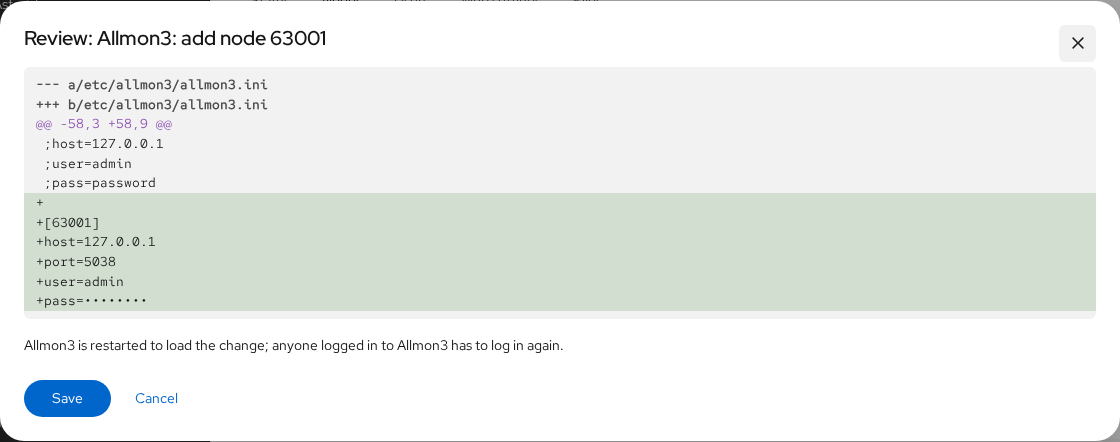
Every change on this page restarts Allmon3 to load it. Anyone logged in to Allmon3 has to log in again.
Status
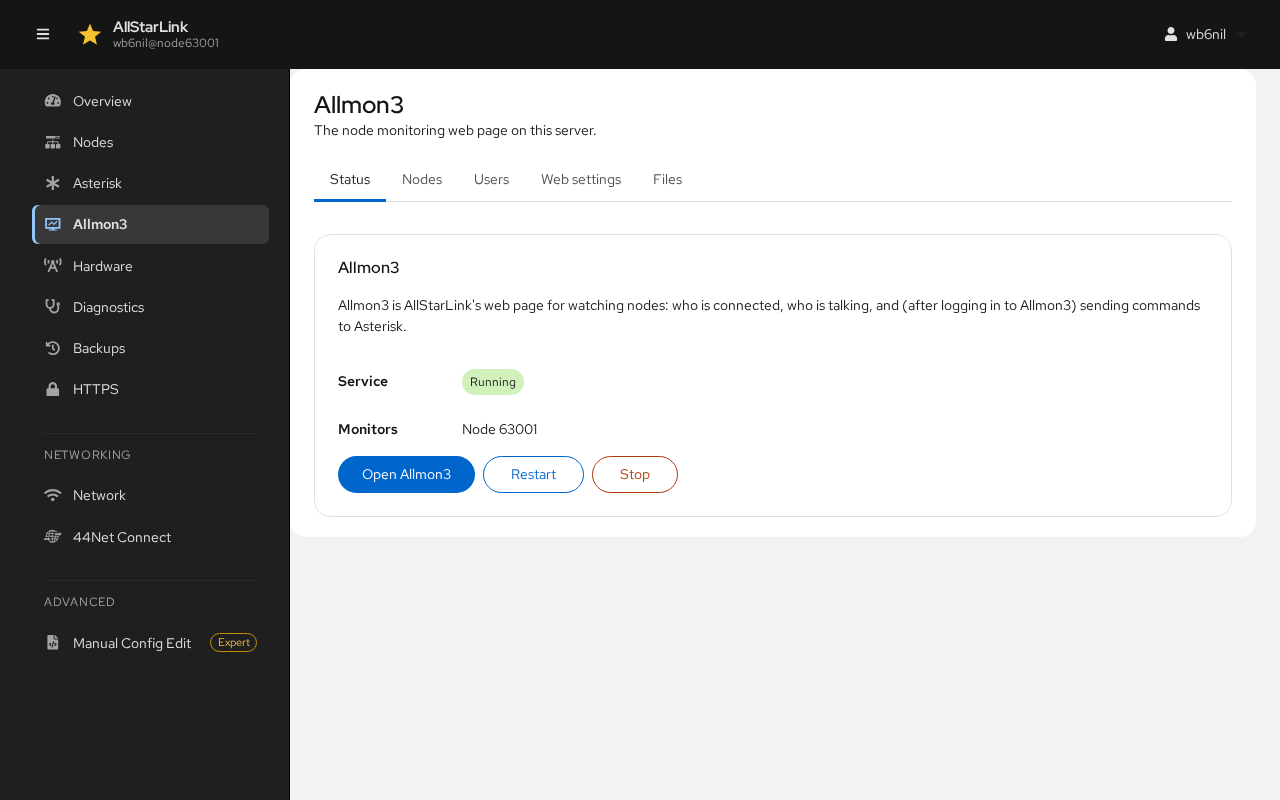
Status shows whether the Allmon3 service is running and which nodes it monitors.
- Open Allmon3 opens Allmon3 in a new browser tab.
- Restart and Stop control the Allmon3 service; Start starts it again.
Nodes
The Nodes tab lists the nodes Allmon3 shows, and how it reaches each one's Asterisk Manager Interface (AMI). They are kept in /etc/allmon3/allmon3.ini.
After a new installation, Allmon3 has no nodes. The tab offers to add each node on this server that Allmon3 doesn't show yet, using this server's AMI user admin and its secret:
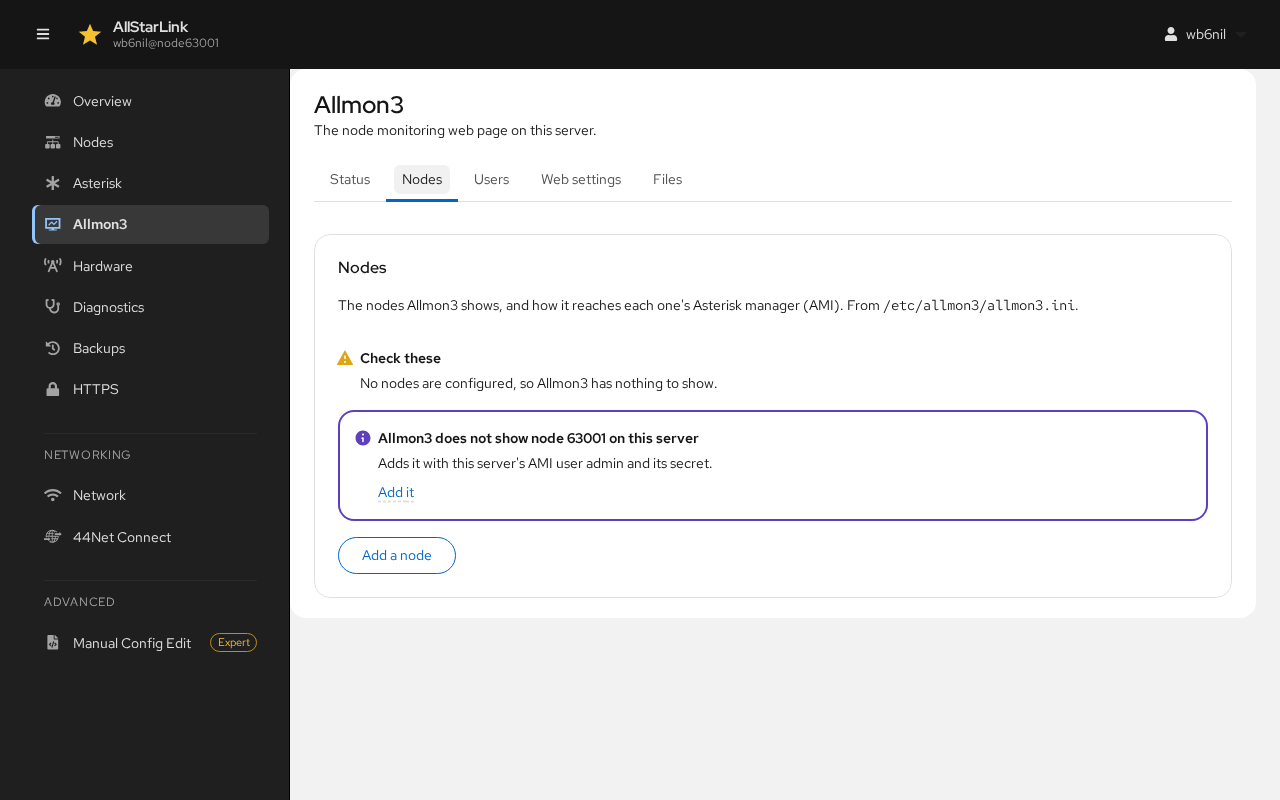
Click Add it. The change is shown for review; click Save.
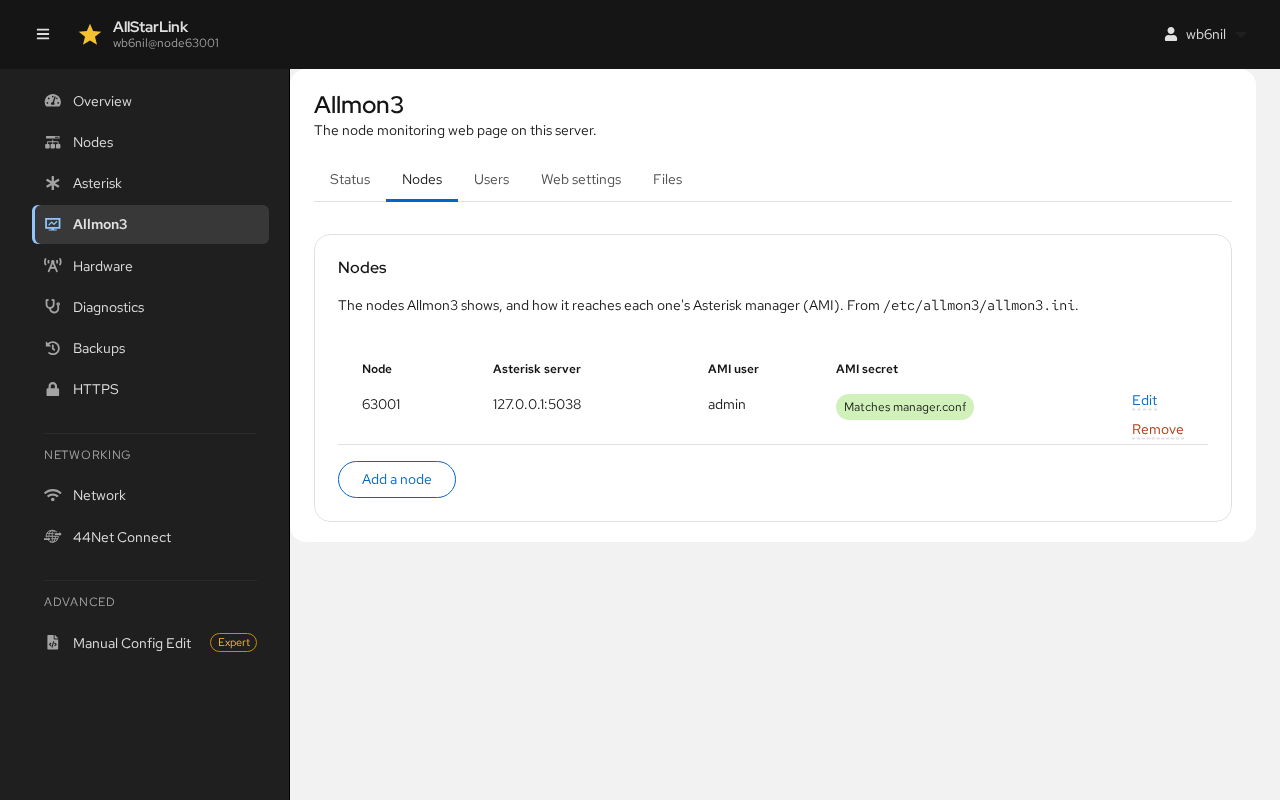
The node is now listed. AMI secret shows Matches manager.conf when Allmon3 has the same secret as Asterisk:
To monitor a node on another server, or to set the AMI details yourself, click Add a node:
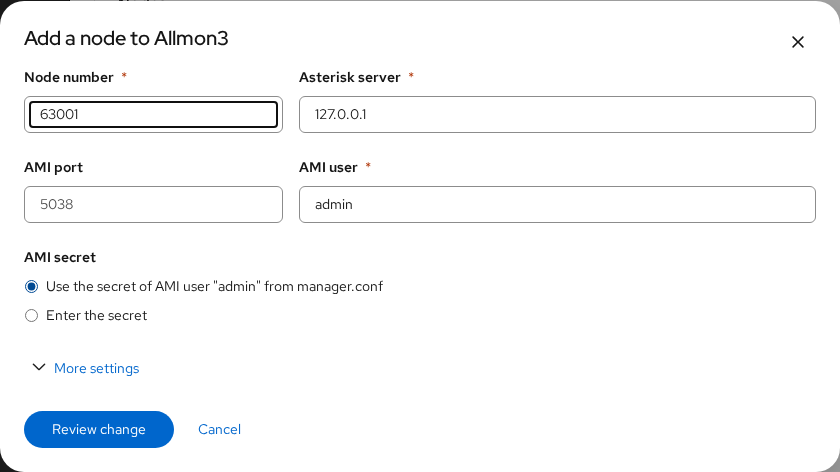
- Node number: the node to show.
- Asterisk server and AMI port: where its Asterisk Manager Interface listens. Use
127.0.0.1and5038for a node on this server. - AMI user: usually
admin. - AMI secret: use the secret from this server's
manager.conf, or enter the secret of the other server. - More settings has Allmon3's less common per-node options.
Click Review change, then Save. Use Edit and Remove on a node's row to change or remove it.
Users
Anyone can watch Allmon3. Logging in to Allmon3 lets a user send commands to Asterisk. Allmon3 keeps its own users and passwords; it can't use the server's Linux accounts.
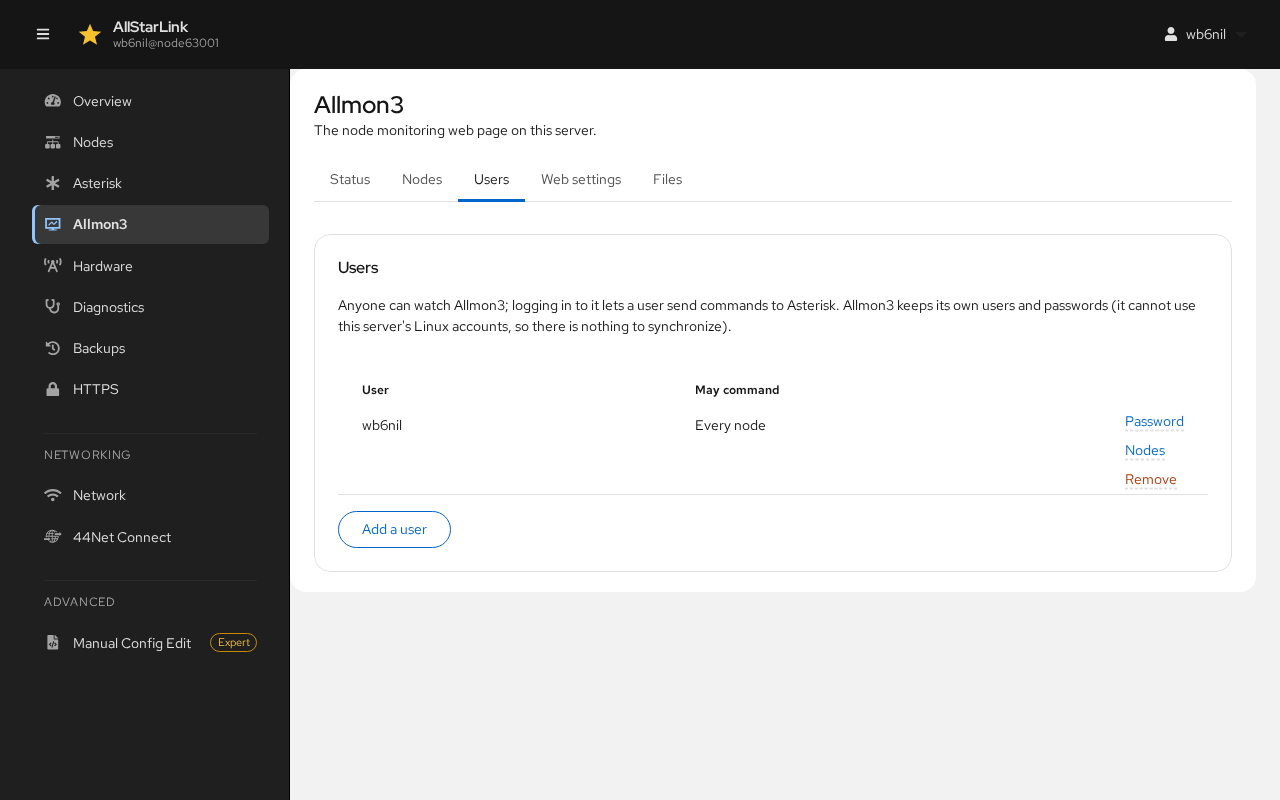
Click Add a user, enter a User name and a Password (at least 8 characters) twice, then click Add user.
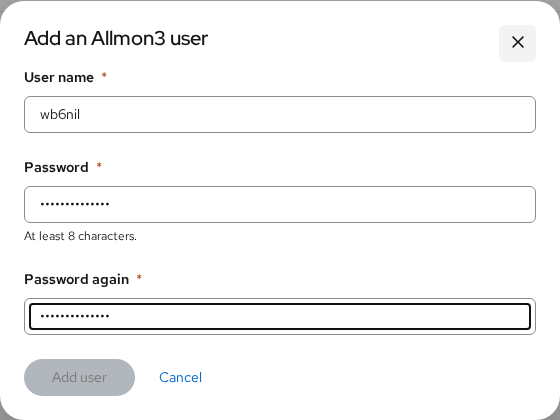
For each user:
- Password changes the user's password.
- Nodes limits the nodes the user may send commands to (Every node or Only these nodes). See Allmon3 User Management.
- Remove deletes the user.
Web Settings
Web settings changes how Allmon3's web page looks:
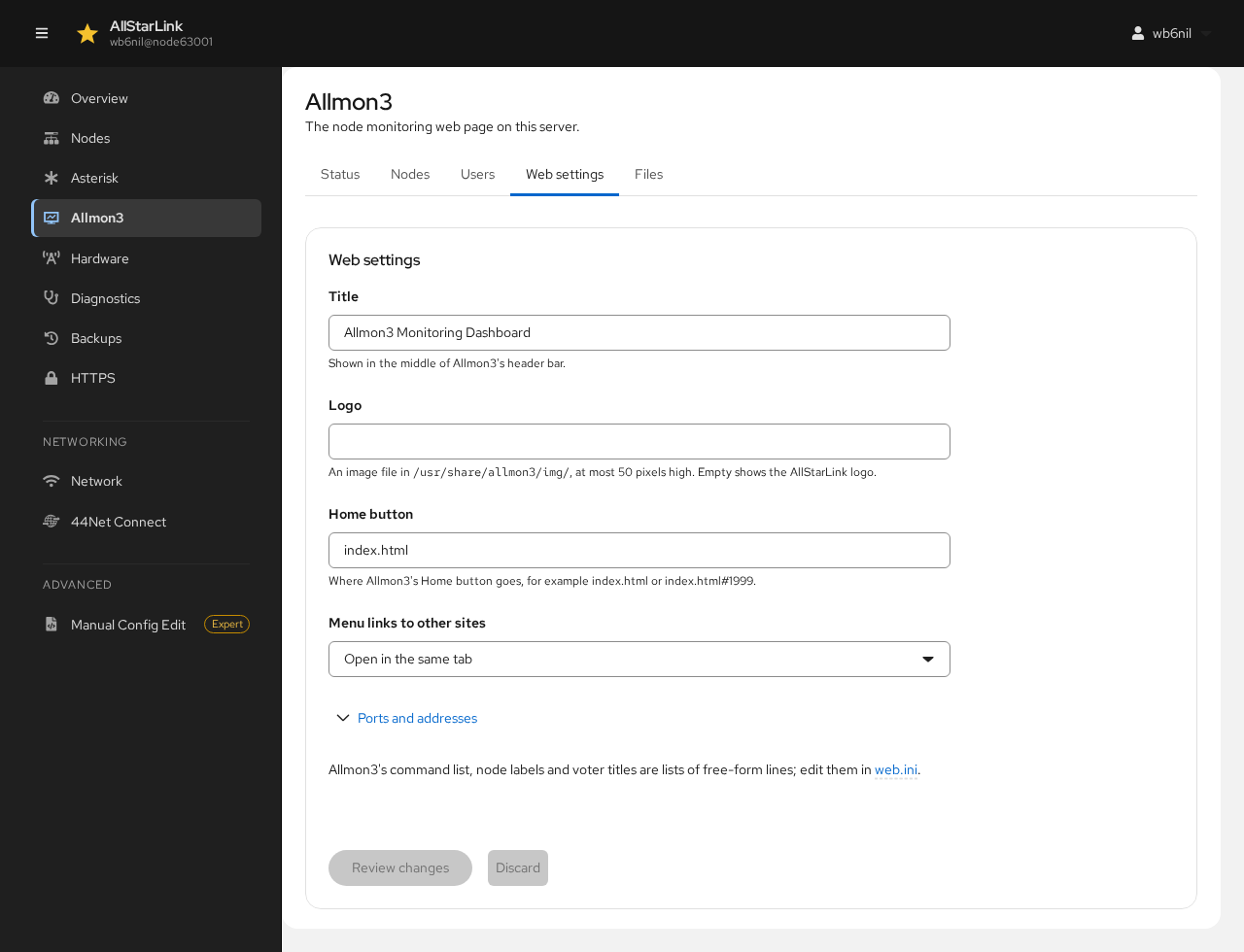
- Title: shown in the middle of Allmon3's header bar.
- Logo: an image file in
/usr/share/allmon3/img/, at most 50 pixels high. Leave it empty for the AllStarLink logo. - Home button: where Allmon3's Home button goes, for example
index.htmlorindex.html#63001. - Menu links to other sites: open in the same tab or a new one.
- Ports and addresses: where Allmon3 listens. Change these only if you know you need to.
Click Review changes to save them, or Discard to throw them away.
Files
Files lists Allmon3's settings files and whether Allmon3 can read each one. It covers what the other tabs don't, such as the sidebar menu (menu.ini) and the command list.
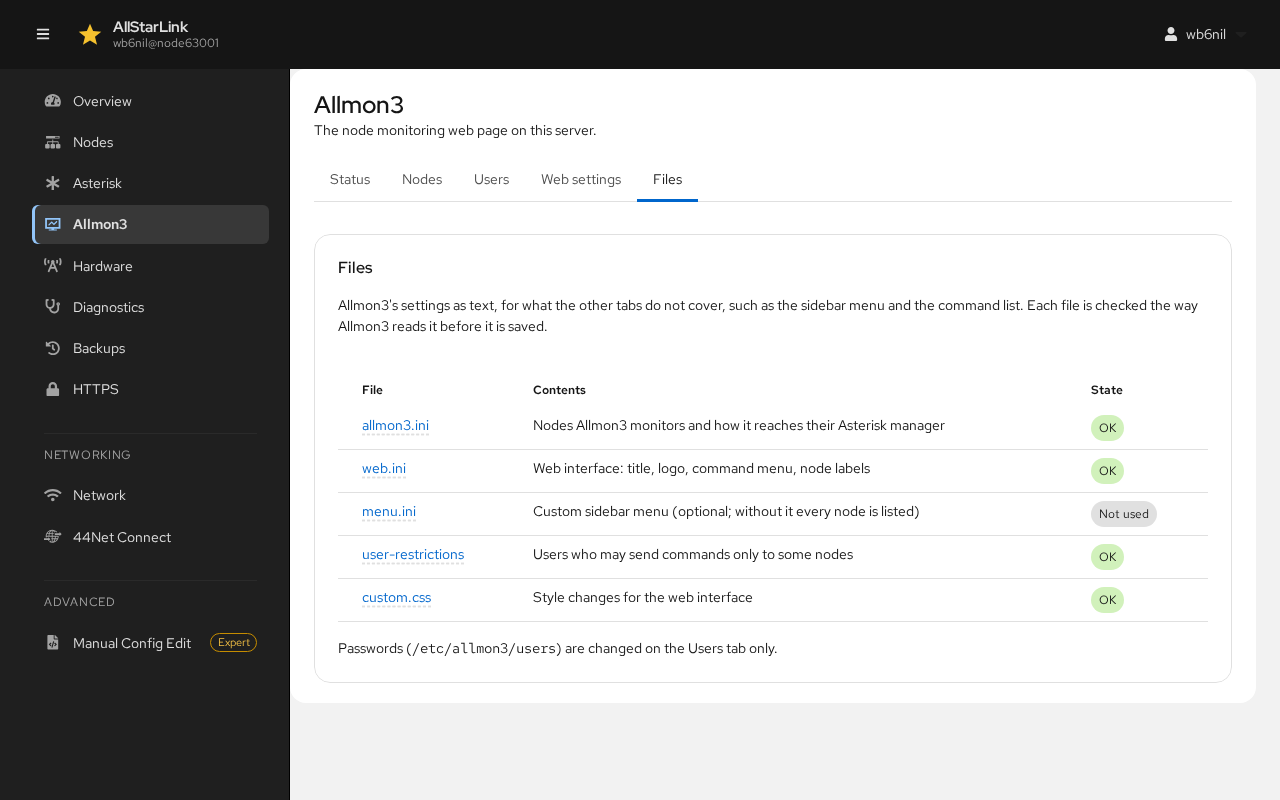
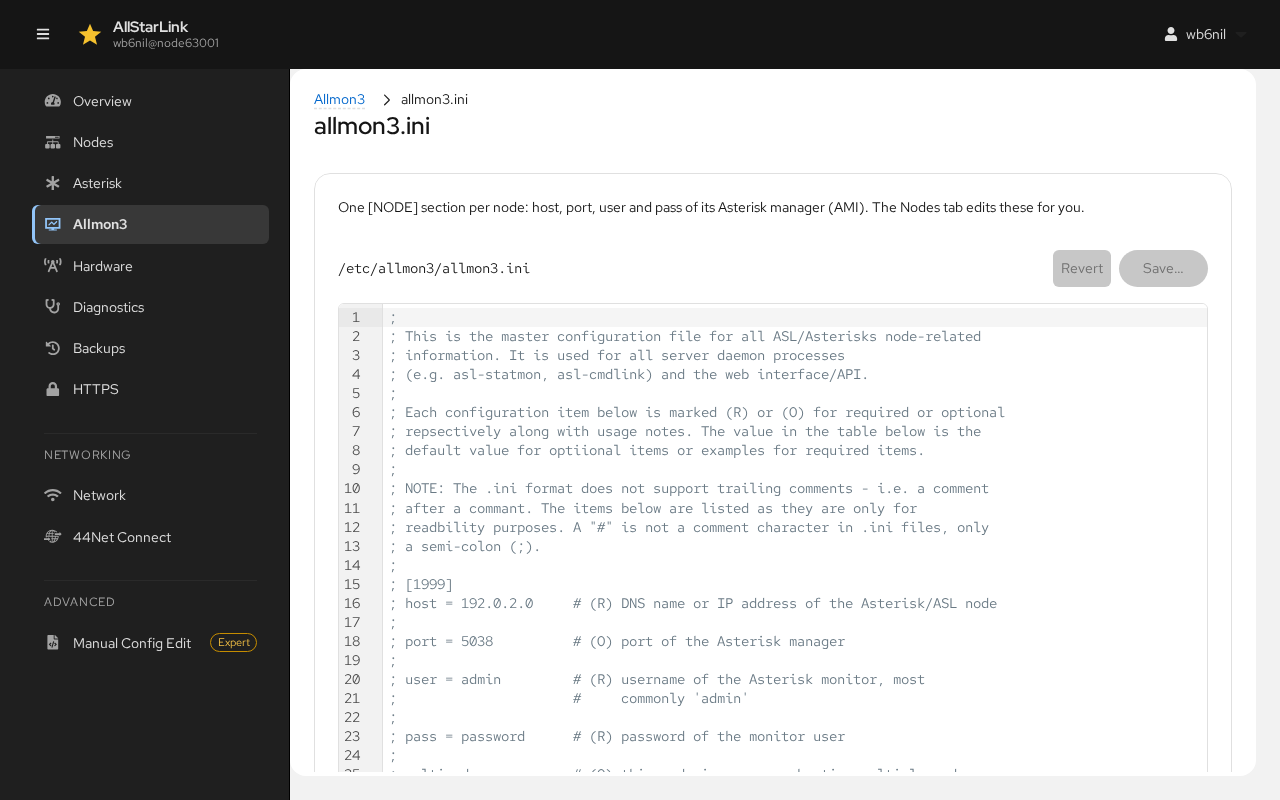
Click a file name to edit it as text. The file is checked the way Allmon3 reads it before it is saved:
Passwords (/etc/allmon3/users) are changed only on the Users tab.